![SkyTrak_Logo-1000.png]](https://resources.skytrakgolf.com/hs-fs/hubfs/SkyTrak_Logo-1000.png?height=22&name=SkyTrak_Logo-1000.png)
1. From the ST Pro device display home screen, press "Align Target"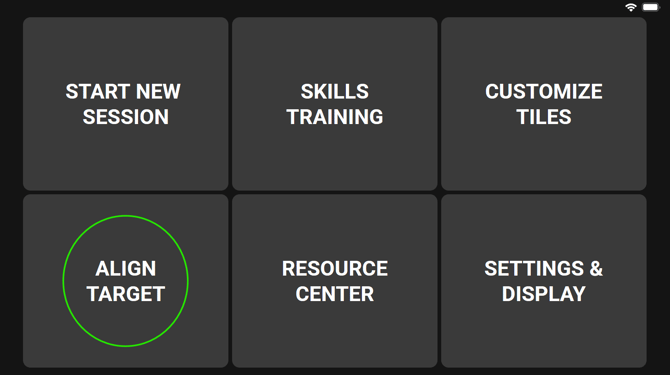
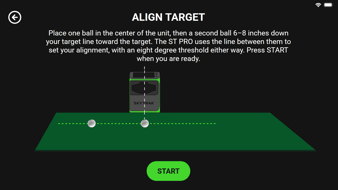
This function is for setting your line of play with the SkyTrak unit. Ideally this will be done each time the position of the unit is changed. The SkyTrak unit will emit two red lasers. Place your ball on the red dot each laser makes on the mat, then press "Start"
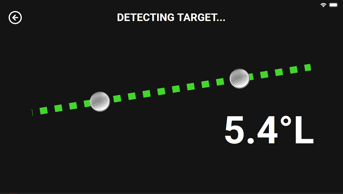
The display will show your alignment setting in degrees from parallel.
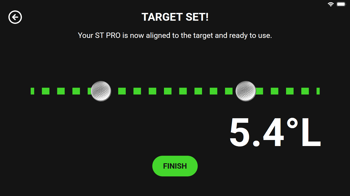
Press "Finish" to confirm the alignment