![SkyTrak_Logo-1000-1.png]](https://resources.skytrakgolf.com/hs-fs/hubfs/SkyTrak_Logo-1000-1.png?height=125&name=SkyTrak_Logo-1000-1.png)
VPN Adapters
Network mode – OG – Solid Yellow – Router Reboot
Call
Transcript
OG Unit height and ball position adjustment
Manually add network iOS OG
Splitter cable being used to charge ST+
Cache
Failed to load
Applied prepaid code
Courses not populated
Duplicate account – Purchased membership, no access
Complex – App performance/Unit Position/Interference/Connection Modes
Organizational Network - Recommend USB WiFi Adapter
Original SkyTrak - Static Issue
Initial Network Mode setup
Seemingly a power issue, really unstable network
Router proximity issue
Handedness mode, basic setup
Distance Complaint
Website login issue, password reset via CaddyMaster
Initial setup - Network Mode
Direct Mode - Basic iPad Confusion
Close/Reopen Needed to Sync License
Charging indicator Confusion
ST+ - Shots not Registering
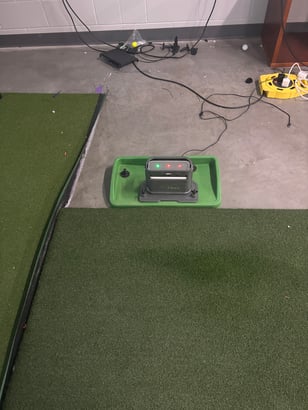
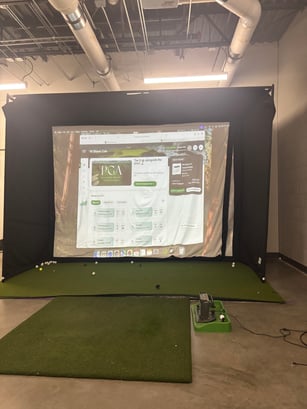
Chat Examples
CPU Uptime
Windows Duplicate Screen Issue
Source needed to see projector options
Practice option greyed out - Cache clear
Incorrect iPad specifications
Window size bug
Splitter being used to charge
Manually add network OG
STMAX Network Login Issue - Initial Setup
Direct Mode not Connecting - Used rapsodo app to connect in network mode
https://resources.skytrakgolf.com/internal/using-the-rapsodo-utility
Data not uploading to clubhouse, export function confusion
Needed to close/reopen app to populate the rest of the course list
(it also works to just go to the home screen, then back to the practice module, but closing/reopening can guarantee they're in Network Mode or USB Mode by sending MMS calls.
Customer name not updating in "Device" panel, needs license files sync
Network Mode - iOS - Close/reopen needed