![SkyTrak_Logo-1000.png]](https://resources.skytrakgolf.com/hs-fs/hubfs/SkyTrak_Logo-1000.png?height=22&name=SkyTrak_Logo-1000.png)
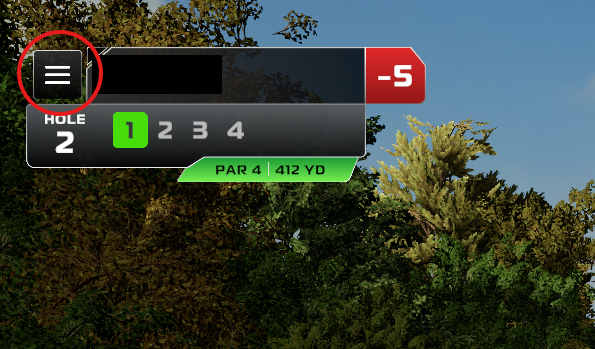
1. Click the Menu icon at the top left of the screen from within a Course Play round.
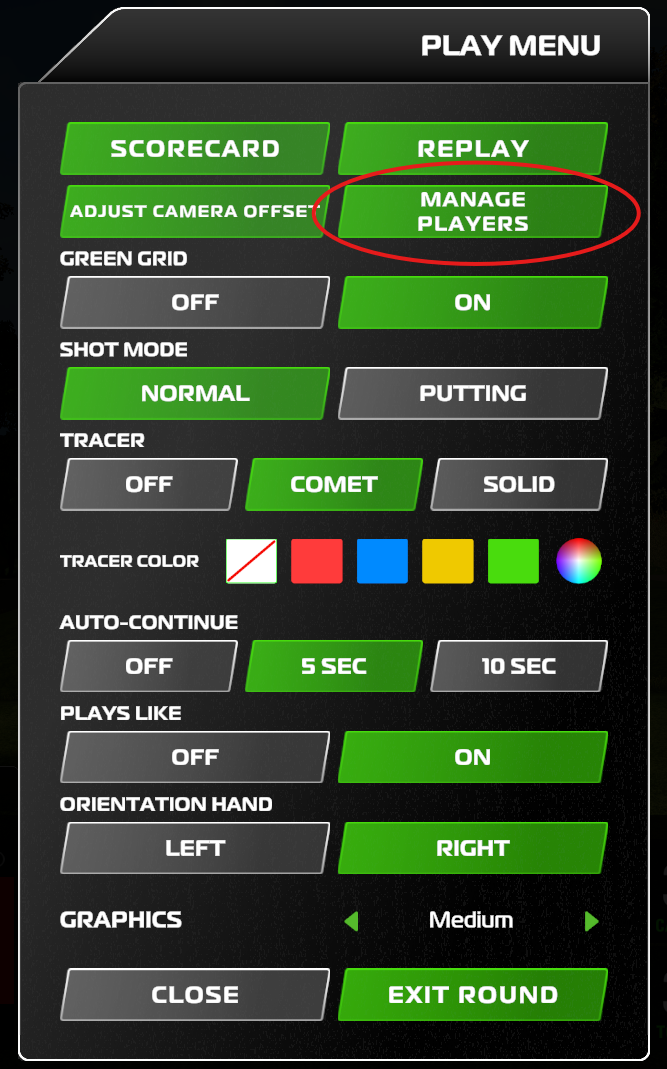
2. Click "Manage Players".
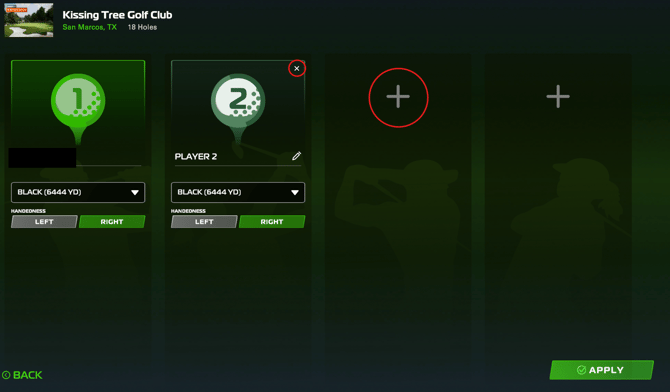
3. To drop a player, click the "X" at the top right of their player panel. To add a player, click the "+" Icon in an empty player panel
*NOTE: You may only drop players before or after their turn. If it is their shot, you'll need to access the metrics screen and select "Pick Up" to concede their turn before dropping the player.