![SkyTrak_Logo-1000.png]](https://resources.skytrakgolf.com/hs-fs/hubfs/SkyTrak_Logo-1000.png?height=22&name=SkyTrak_Logo-1000.png)
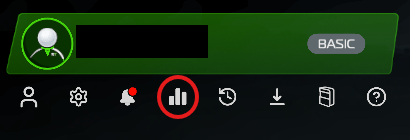
1.Click the Bar Graph icon under the Player Hub in the top left corner of the SkyTrak app home page.
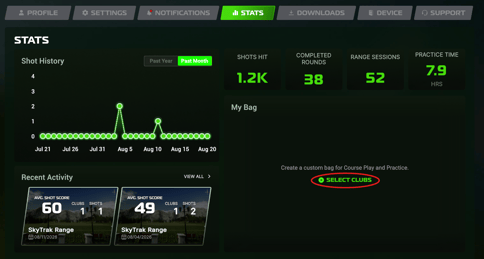
2.Click "Select Clubs" in the bottom right hand panel.
3. Click the club type you are trying to add.
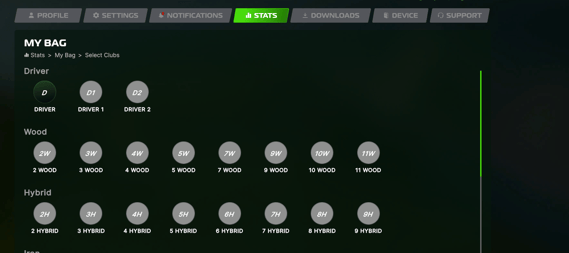
4. Complete the required fields for your club.
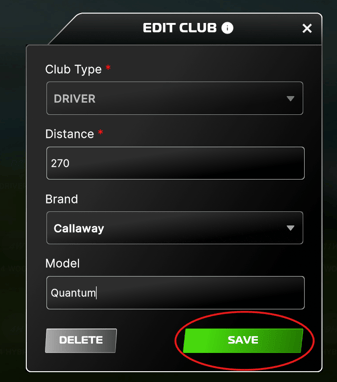
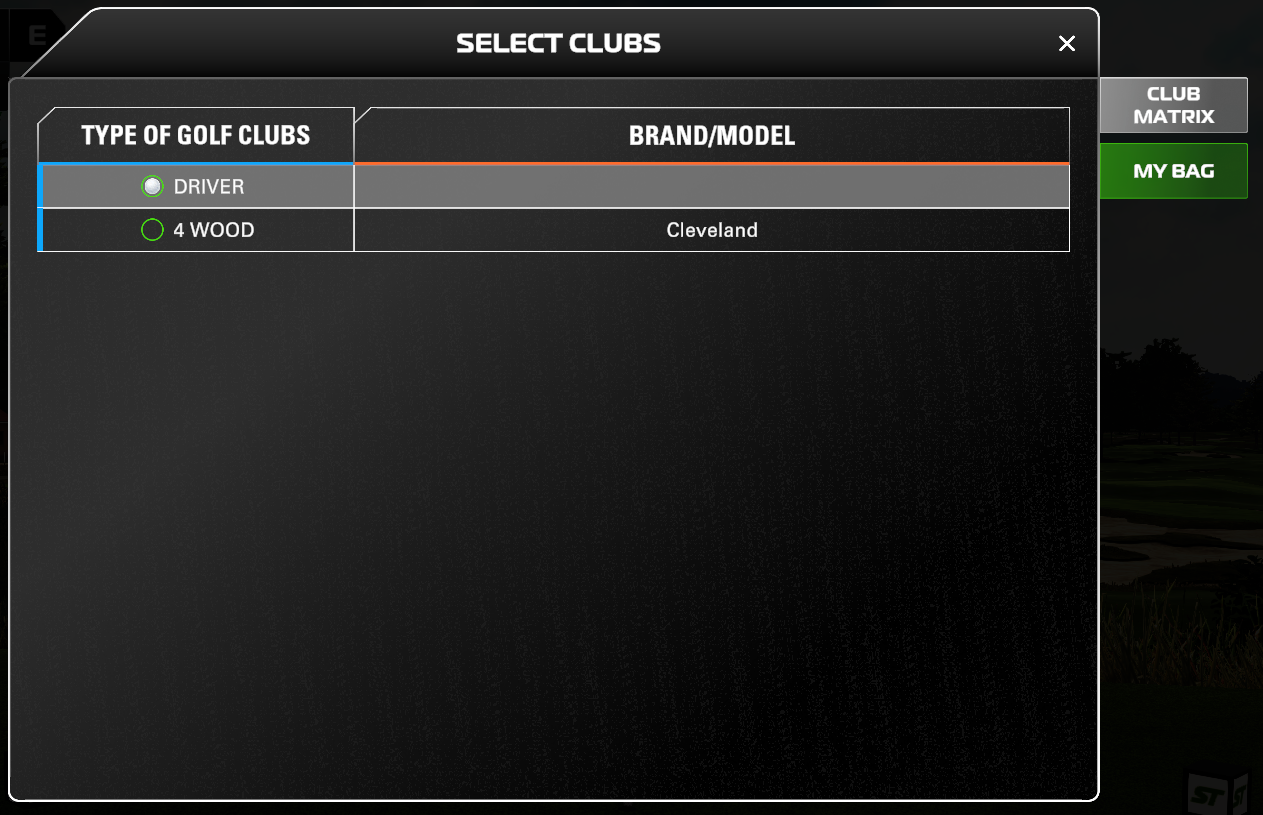
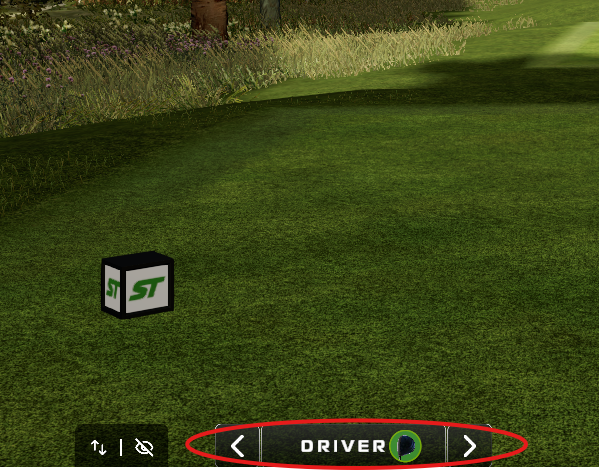
5. Click the club indicator icon in Course play or Ranges.
-Practice mode will prompt you to select a club immediately, while Course Play will auto-set your club as the standard variant of that club (not your custom bag)
6. Select "My Bag" on the right hand side of the club matrix panel.
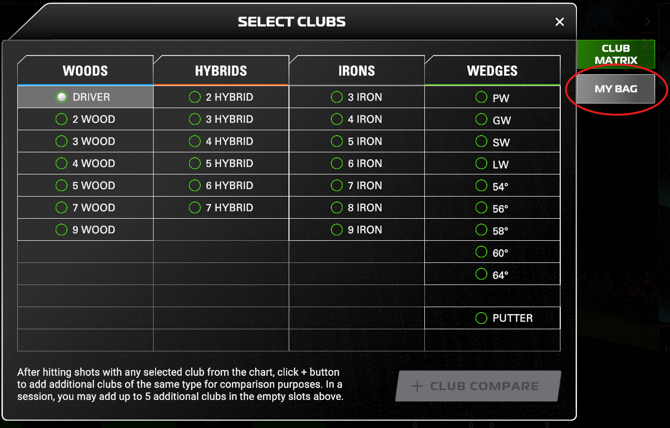
7. Your custom clubs will appear in this tab. Select your desired club to collect your shot data under the particular model.